
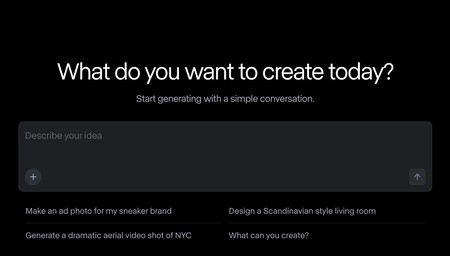
Let’s tell you how to create a video from a photo so that the image you choose is the reference and the starting point of the video. We are going to do this using a series of free artificial intelligence applications that we recommend, so you can try them until you find the one that best suits you.
A common denominator in the services we present is that they generally require payment, although they offer free versions for you to try. These free versions frequently come with limitations, ranging from the number of videos you can produce to issues such as resolution quality and watermarking.
We will begin with an explanation of how to create videos using these websites and then move on to the list of services. As we always say at Xataka Basics, if you think we have overlooked any significant service, we invite you to share it in the comments section so all readers can benefit from the collective knowledge of our Xatakers.
Runway
Runway is one of the premier tools for creating artificial intelligence videos. All you need to do is describe what you want to see through a prompt and upload an initial image. This image will serve as the starting point for generating the remainder of the video.
However, the free version is quite limited. Upon registering, you receive 125 credits, which are all single-use, and once they’re gone, your access ends. Although the quality of the tool is impressive, the free method essentially acts as a temporary demo.
Artlist
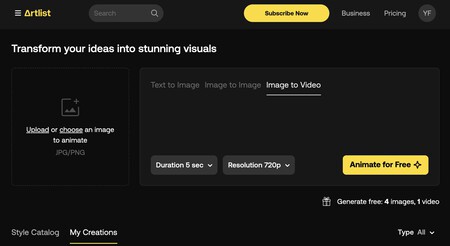
Artlist allows users to create videos from images using AI. You have two options: you can either create an image from text and use it to initiate a video, or upload a photo or image that will act as a reference. You can also set the aspect ratio and customize the video using a prompt.
However, the page only allows you to generate one free video in addition to five photos. For additional videos, you will need to make a payment. The results can be hit-or-miss, and you cannot download the video without payment.
Fotor
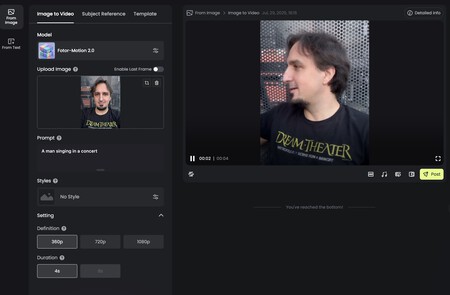
Fotor offers a service that allows you to turn a photo into a video. You can upload a photo to serve as a reference and create a video from it. You can also select a stylistic preference, like anime or cartoon.
As expected, the free account comes with limitations in the number of tokens, as well as in video quality. However, the results are generated quickly and are reasonably good.
Akool
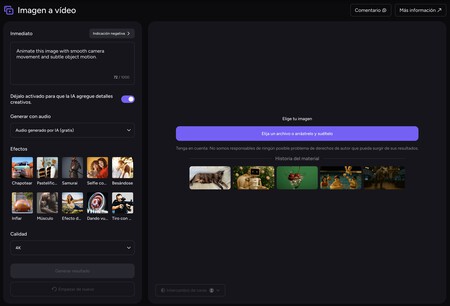
Akool specializes in creating animations from photographs, particularly from portraits or character images. Upload a photo, and its AI will animate it with realistic movements. Although this software can generate videos in 4K quality, the free version is capped at 720p.
Additional limitations include watermarking on the videos and a maximum length of 1.5 minutes. Processing time can also be slow, especially for free-tier users.
Hailuo
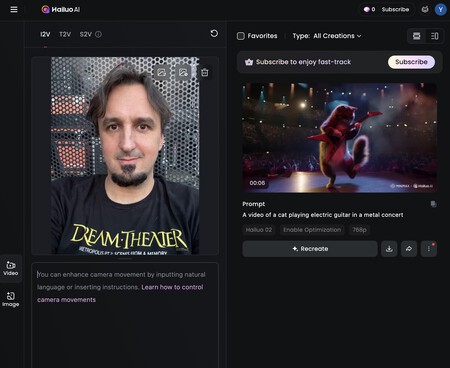
Hailuo stands out as one of the most reliable services for creating videos using artificial intelligence, either from a prompt or from a reference image. Upload your chosen image and describe what you would like to happen.
A major disadvantage is that the free plan is restricted. It only allows 6-second videos at 768p resolution and provides a minimal number of tokens, typically allowing for just one or two videos.
Adobe Firefly
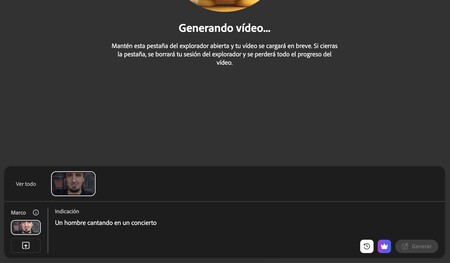
Adobe Firefly offers a paid version for creating videos using artificial intelligence, but you can create two free videos for testing purposes, each lasting around 5 seconds. This allows you to explore its capabilities, albeit limited.
Users can choose options like video resolution, aspect ratio, frame rate, and duration when creating videos. You can also upload a reference photo to generate content based on that.
Deevid
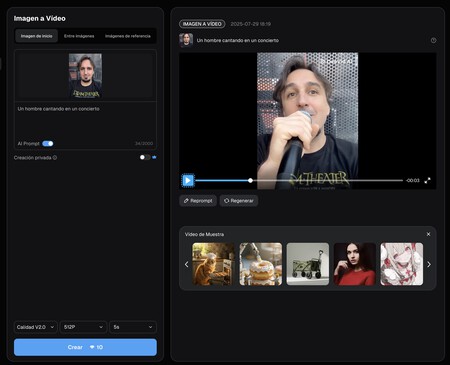
Deevid specializes in creating AI-generated videos from photos. The number of tokens in the free plan barely allows users to create one or two videos, but it serves as a trial to evaluate the service. Options include selecting the rendering engine, video duration, and resolution.
AI Chicken
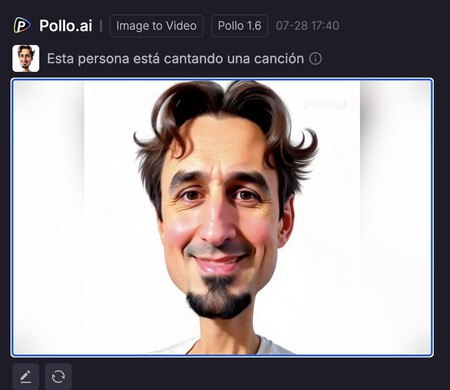
AI Chicken is a straightforward AI tool for creating videos from photos. It allows you to upload your photo and elaborate on a prompt describing the desired outcome. The free version has limitations in the number of tokens, but rewards can be earned for additional usage.
For instance, a minimal quality video takes 2 tokens, while a 720p version requires 4 tokens. Users can earn two free tokens by checking in daily.
Monica AI
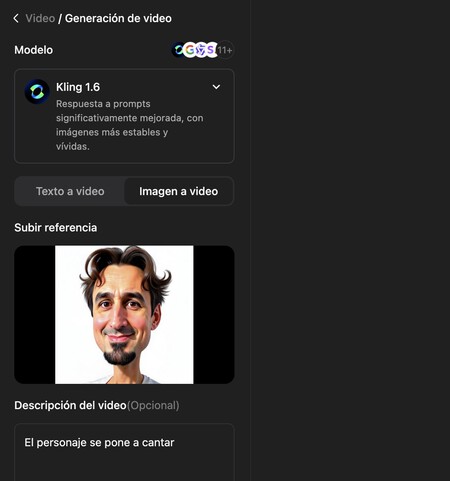
Monica AI features a suite of tools with a wide range of capabilities, including the option to animate images with AI to convert them into videos. The user interface is designed for ease, allowing you to upload an image and describe your vision.
However, the free trial is limited to just 8 tokens, sufficient only for a single standard quality video.
Kling AI
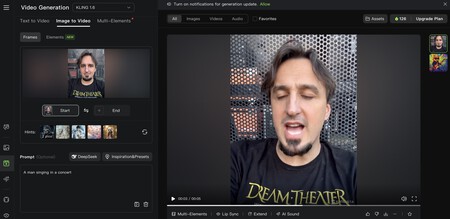
Kling AI provides a more generous free plan, offering 166 free credits per month. These can create videos that require 20 credits for 5 seconds or more, depending on additional features.
You can create videos from a prompt or upload a photo to use as a starting image. Moreover, it allows for uploading up to four photos to generate a video incorporating elements from all of them; however, free users may experience longer processing times.
Cutout.pro
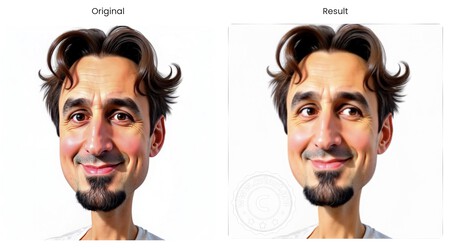
Cutout.pro provides a simple tool for enhancing your photographs and images. While it may offer limited animation features (e.g., creating short gifs), it is free and user-friendly—just upload your photo, and you’re good to go.
Invideo
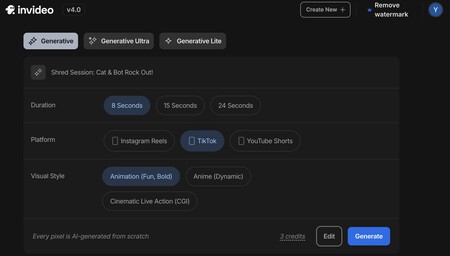
Invideo serves as a tool akin to ChatGPT for video, allowing you to create content by cloning yourself into a video to generate an online avatar. Among its features, it includes a mode that creates videos from existing content, although it does not support photo uploads.
The platform offers a free mode that operates on a lighter model, but it features fewer restrictions than many other free services. Users have options for video length and can select from various styles. However, all free videos come with a watermark and limited functionalities.
Heygen
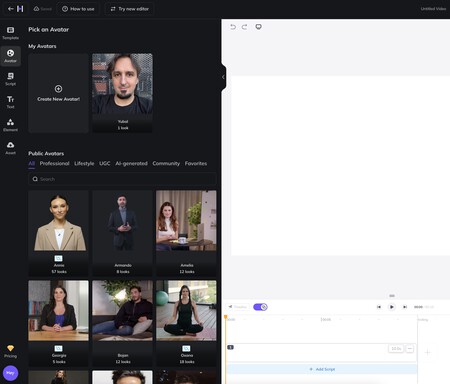
Heygen is designed to create videos of people speaking or explaining concepts. Although it is quite restricted, it allows you to use your photo to create a character for inclusion in your generated videos. You can also incorporate voice or select a voice for narration.
The videos generated may include voiceovers, narrative elements, and background music, making them suitable for commercial or educational purposes. Free users can create up to three videos.
Vidful
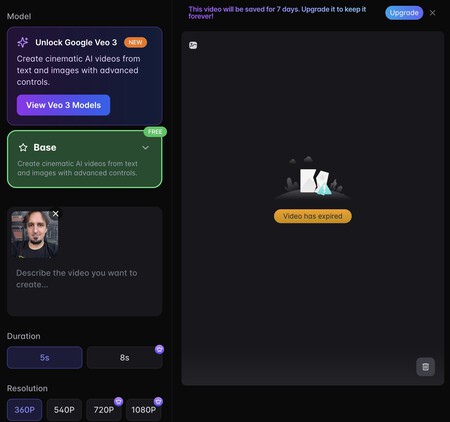
To conclude, we look at Vidful, a straightforward tool that offers numerous options but is severely limited in its free version. Free users receive only enough tokens to create a small 5-second video at 360p resolution, making it more of a trial platform than a serious tool.
Ultimately, while these platforms offer fascinating insights into the world of AI-generated video from photographs, it’s essential to understand their limitations. Experimenting with various services will help you find the one that meets your specific needs.