
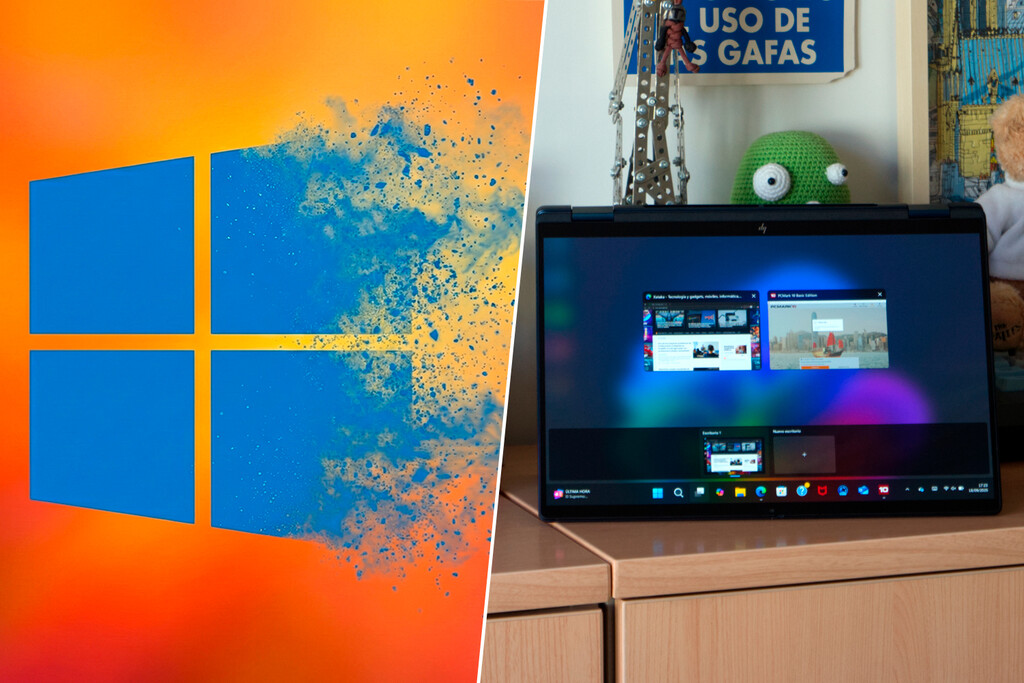
The promise of Windows 11 was to deliver a modern operating system, but four years later, that modernization feels like a permanent work in progress. While adoption of the system remains slow — although it has caught up with Windows 10 — some users face an experience burdened by patches that often turn into bugs.
An Invisible Change That Breaks Things
In 2023, Microsoft accelerated an under-the-hood migration: abandoning the classic technology that rendered windows in favor of WinUI and the XAML-based Windows App SDK. Although the goal was to unify design elements, the execution has resulted in unforeseen issues. WinUI introduces modifications that, when not perfectly optimized, hinder system performance by causing delays. This is especially evident as the system struggles with rendering due to data loading on the same thread that draws the interface.
Impact on User Experience
The consequences of these changes are far-reaching. Many users report sluggish browser performance and erratic behavior in the Start menu and taskbar, particularly after security updates. During a community meeting, team members acknowledged their mission to migrate legacy UI elements to WinUI 3, openly admitting the challenges faced in this transition.
Issues Beyond Design
Beyond aesthetic concerns, Windows 11 has proven to be fraught with failures that require ongoing rectification:
- Interface Problems: Contextual menus have been criticized for being slow and cluttered, leading to a redesign to tackle usability concerns. Even Microsoft managers have commented on the annoyance of the current Start menu.
- Stability Issues: Users have experienced blue screen errors linked to processor incompatibilities and other bizarre glitches, such as overlapping windows in the file explorer.
- Security Flaws: Some crucial security functions, like “Local Authority Protection” (LSA), have been inadvertently disabled due to patches, highlighting ongoing vulnerabilities.
The Community Responds
As fixes are slow to emerge, the user community has taken matters into their own hands. Some have discovered that disabling the modern command bar can not only eliminate minor visual bugs but also enhance overall system performance. This grassroots movement reflects a reluctance to accept Windows 11 as it stands, with many users resorting to tools like Rufus to bypass controversial requirements, or opting for modified versions such as Tiny11 for a leaner experience.
The Nostalgia Cycle
This situation has ignited a perpetual debate over what constitutes the “best” version of Windows. Many users idealize Windows 10 for its early stability, overlooking that it too faced harsh criticism for its initial updates and privacy concerns. Windows 11 appears trapped in a transitional phase, plagued by requirements that exclude numerous functional PCs.
Open Source Efforts
In a bid to improve the situation, Microsoft has announced plans to make WinUI open source. This move may attract more developers to clean up the base technology that continues to be a bottleneck for the system. However, the development community remains skeptical, pointing out ongoing performance issues with WinUI. Until Microsoft can stabilize this framework, Windows 11 will likely continue to bear the weight of its modernization efforts, leaving users to contend with unresolved instability.
In conclusion, as Windows 11 navigates its modernization ambitions, it finds itself at a crossroads. The challenges it faces underscore the delicate balance between innovation and maintaining a reliable user experience.