
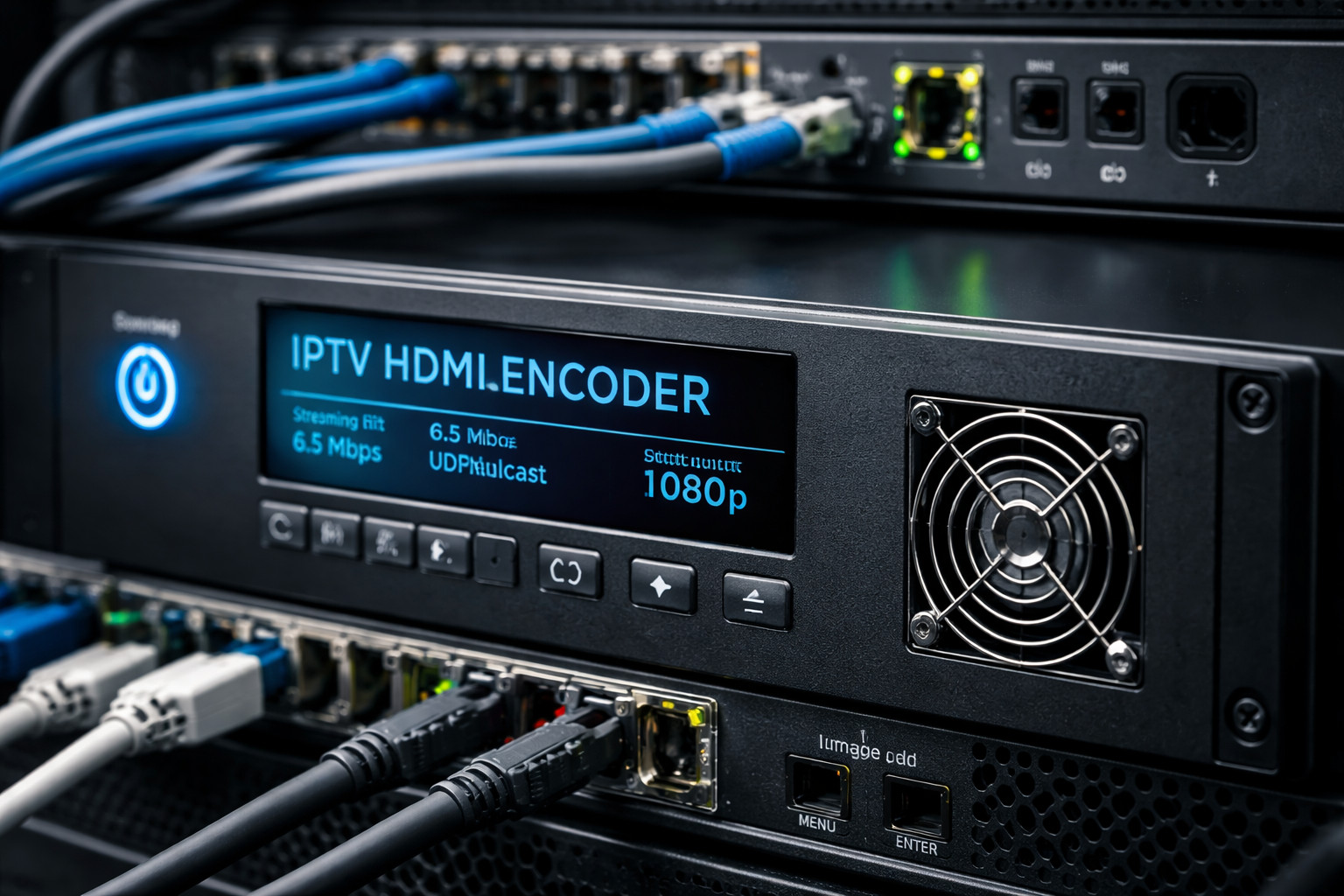
What Is an IPTV HDMI Encoder-and Why Broadcasters Keep One in Their Toolkit
If you work around broadcast gear-RF modulators, QAM/ATSC headends, HDMI distribution, or live production-you’ve probably seen IPTV HDMI encoders show up everywhere: in hotel TV closets, campus networks, worship A/V racks, corporate studios, and even small CATV headends transitioning from coax to IP. The name sounds like marketing jargon, but the device is straightforward: it takes an HDMI video source and converts it into an IP video stream that can be delivered over an Ethernet network to set-top boxes, smart TVs, computers, signage players, or middleware platforms.
In other words, an IPTV HDMI encoder is the “bridge” between the world of HDMI (cameras, switchers, PCs, STBs) and the world of IPTV (multicast/unicast streaming over IP networks). Done right, it becomes an incredibly efficient way to distribute live video at scale-without running HDMI extenders everywhere and without allocating a whole RF channel per program like traditional modulation.
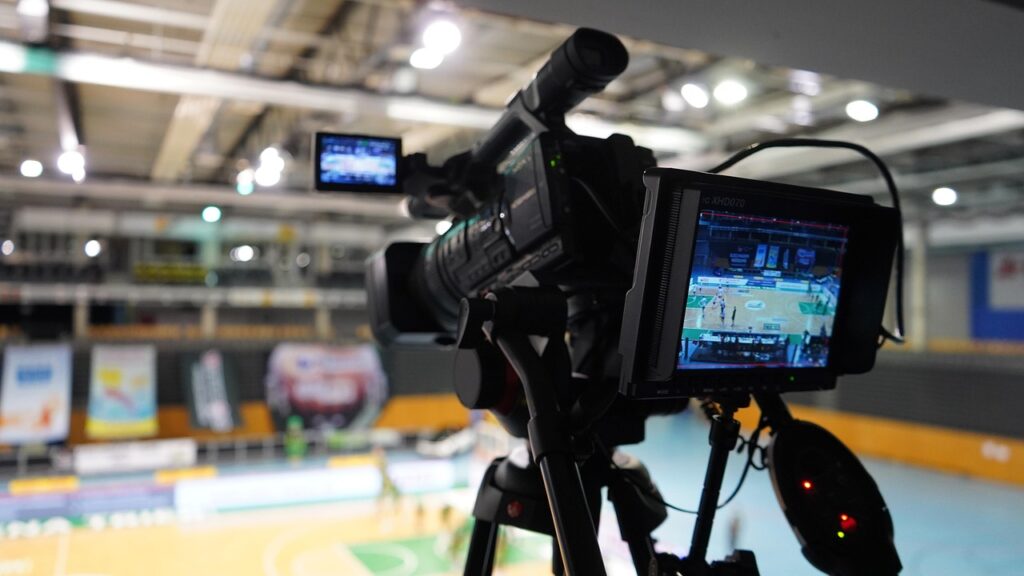
HDMI In, IPTV Out: The Core Concept
HDMI is a point-to-point interface. You plug one source into one display (or into a matrix/splitter), and you’re done. IPTV is different: it’s a one-to-many distribution model where the network carries the video, and endpoints subscribe to it.
An IPTV HDMI encoder typically performs four jobs:
- Ingests HDMI
It accepts an HDMI signal from a source device-anything from a set-top box to a camera feed from a switcher, to a PC output from a presentation system. - Compresses (encodes) the video and audio
Raw HDMI is huge; encoding shrinks it dramatically using codecs like H.264/AVC or H.265/HEVC, plus audio codecs such as AAC (common for IPTV). - Packetizes and streams over IP
The encoder wraps the compressed video into an IP streaming format/protocol such as RTSP/RTP, UDP multicast, SRT, HLS, or others depending on the unit and the deployment. - Publishes a channel (or multiple channels) to your network
Clients on the LAN/WAN can then view that channel through compatible IPTV set-tops, apps, middleware, or signage players.
This is why these encoders are popular in systems that need broadcast-like distribution without a purely RF infrastructure.
Where IPTV HDMI Encoders Are Used
1) Hotels, Apartments, and Hospitality TV Systems
Hospitality is one of the classic IPTV markets: dozens or hundreds of rooms, centralized content, and the need for channel lineups that can include local TV, satellite/cable boxes, lobby channels, or promotional content. An HDMI encoder can turn a receiver or media player output into an IPTV channel, which the property distributes via existing Ethernet.
Why it’s attractive: scaling. One HDMI source becomes a network channel that any room can tune in to-especially when multicast is used.
2) Corporate Communications and Training
Companies increasingly run internal “TV channels” for announcements, town halls, safety briefings, and training. An IPTV HDMI encoder can take a live HDMI program feed from a production switcher and distribute it to meeting rooms, break rooms, or employee desktops.
Why it’s attractive: predictable delivery inside controlled networks, and easier integration with signage platforms.
3) Education (Campuses, Lecture Capture, Stadiums)
Universities use IPTV to distribute sports, campus channels, and lecture content. An HDMI encoder can ingest a scoreboard feed, a camera ISO, or a switched program output.
Why it’s attractive: network distribution reduces coax runs and makes it easier to add endpoints.
4) Digital Signage and Live Venue Overflow
Need to push a live stage feed to hallway displays, concourses, or overflow rooms? An IPTV HDMI encoder can create a low-latency IP stream, and signage players can subscribe to it.
Why it’s attractive: fewer dedicated video distribution devices, especially when the network is already there.
5) Hybrid Headends: IPTV + RF (Modulation Still Matters)
Not every environment is “all IP.” Many sites run a mixed plant: IPTV for smart endpoints and RF modulation (ATSC/QAM/DVB-C/ISDB-T depending on region) for legacy TVs. In these setups, an HDMI encoder can feed an IPTV channel and-via additional equipment-be mapped into RF systems when needed.
Why it’s attractive: gradual migration. You can keep legacy coax services while expanding IP distribution.
Multicast vs. Unicast: The Big Design Decision
A key strength of IPTV is multicast, where the encoder sends one stream and the network replicates it only to subscribers. This is ideal for “channel” delivery to many endpoints (hotel rooms, campus TVs).
Unicast sends a separate stream to each viewer. It’s simple to deploy but can scale poorly if 200 people watch at once.
If your goal is true “channel distribution,” choose equipment that supports UDP multicast and make sure your network supports it properly (IGMP snooping/querier on switches, correct VLAN design, and careful QoS).
What to Look For When Choosing an IPTV HDMI Encoder
Codec Support: H.264 vs. H.265
- H.264 is widely compatible and easier for older set-tops and decoders.
- H.265 reduces bitrate for the same quality (or improves quality at the same bitrate), but endpoints must support it.
Resolution and Frame Rate
Common targets: 1080p60 for sports and live motion, or 1080p30 for general content. Some encoders support 4K HDMI ingest, but verify what the output stream actually supports.
Latency Requirements
For signage and internal channels, a few seconds may be fine. For live events and IMAG/overflow, lower latency matters. Protocol choice (SRT vs. HLS) and GOP settings have a huge impact.
CBR/VBR and GOP Controls
A good encoder lets you set:
- CBR (constant bitrate) for predictable network planning
- Keyframe interval / GOP size to match your delivery platform requirements
Audio Handling
HDMI audio can be embedded stereo or multichannel. Make sure the encoder supports the audio format you need (AAC is common in IPTV deployments).
HDCP and Source Compatibility
One of the most common “gotchas”: HDCP-protected HDMI sources (certain set-top boxes, streaming sticks, Blu-ray players). Many professional encoders either will not accept HDCP or will show a blank screen. Plan your sources accordingly (use unprotected outputs where legitimate and allowed).
Network and Management Features
Look for:
- Web UI + API control
- SNMP (if you manage a large plant)
- VLAN tagging
- NTP time sync
- Redundancy options (dual streaming, backup profiles)
IPTV HDMI Encoder vs. “HDMI Encoder” vs. “IPTV Encoder”
These terms get mixed up:
- HDMI encoder: focuses on taking HDMI in and encoding it (could be for streaming to YouTube, NDI-style workflows, or local recording).
- IPTV encoder: focuses on generating streams compatible with IPTV distribution (multicast/unicast, RTSP/UDP, middleware integration).
- IPTV HDMI encoder: emphasizes both: HDMI ingest and IPTV-oriented output formats, typically designed for headend/channel distribution rather than internet live streaming.
Practical Deployment Example
Imagine you have a sports bar chain that wants the same “Game of the Week” feed on TVs across multiple locations. Each location has a local LAN, signage players, and smart TVs. Put an IPTV HDMI encoder at HQ to ingest the HDMI program from the production switcher, stream it over IP (often via a managed WAN/VPN), and have each location tune in through compatible decoders. You’ve effectively built a private broadcast channel-without shipping special RF modulators and without maintaining HDMI matrices at each site. For additional technical context, refer to Thor Broadcast’s complete guide for professional streaming.