

Four Tricks to Avoid WiFi Interference During the 2026 World Cup Matches
As the 2026 World Cup approaches, fans are gearing up to stream the matches from home. However, a stable WiFi connection is essential for an uninterrupted viewing experience. Here are four expert-recommended tricks to optimize your home WiFi network and ensure you don’t miss any of the action.
1. Optimize Router Placement
The placement of your router is critical for optimal WiFi performance. Position the router in a central, elevated area. This not only increases coverage but also minimizes the effects of physical barriers like walls and furniture. According to experts, the signal is emitted downward, making elevated positions—like shelves—ideal for maximizing range.

2. Eliminate Interference from Other Devices
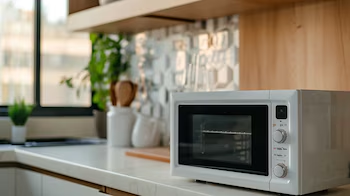
Interference from household appliances is a common culprit for degraded WiFi quality. Devices like microwaves, cordless phones, and Bluetooth devices can generate noise that disrupts your WiFi signal. During high-bandwidth activities, such as streaming a World Cup match, minimizing this interference is crucial. Try to place your router away from these devices, and disconnect non-essential electronics during matches.
3. Adjust Antenna Orientation
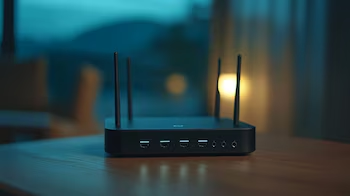
Most modern routers feature adjustable external antennas, which can be oriented for optimal signal. If your router has dual antennas, place one vertically and the other horizontally. This configuration helps distribute the signal across different floors and rooms in your home. If your router has a single antenna, experiment with different angles to discover which setup provides the best performance.
4. Choose the Right Frequency Band
Most modern routers offer dual bands: 2.4 GHz and 5 GHz. The 2.4 GHz band provides a broader range but is often crowded. On the other hand, the 5 GHz band offers a stronger signal with less interference. Switching to the 5 GHz band can significantly improve speed and stability, particularly important during high-traffic events like World Cup matches. Ensure that your devices support the 5 GHz band and are close to the router for optimal results.

By following these four tricks—optimizing router placement, eliminating interference, adjusting antenna orientations, and selecting the right frequency band—you can enhance your WiFi network for a seamless World Cup viewing experience. Prepare for an exciting tournament and enjoy every match without interruptions!