
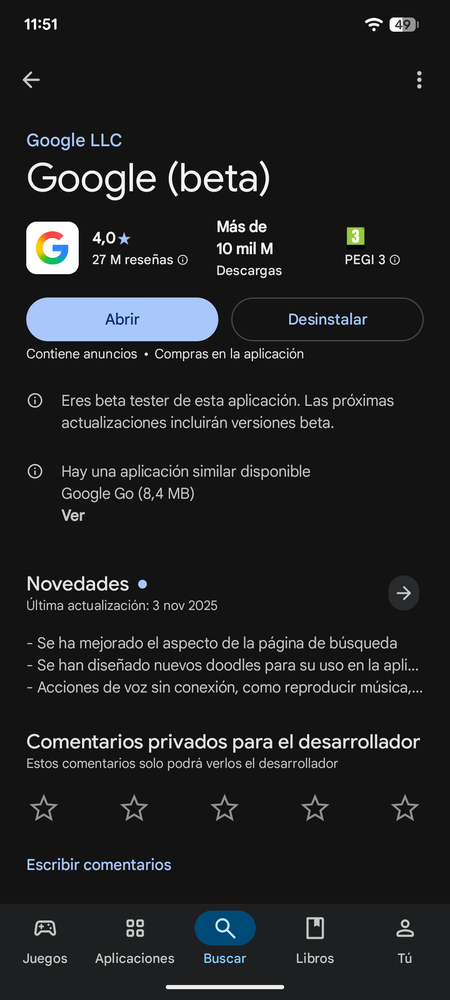
The Google application is one of the key contributors to battery drain on Android devices. Fortunately, there are ways to minimize its battery consumption without having to uninstall it. Here are some effective tips to help you optimize its usage.
Android typically has a solid internal system for managing background applications to prevent excessive battery drainage. However, it occasionally overlooks some apps, including Google. Implementing the following tips can help you extend your device’s battery life significantly.
Check for Updates
When a bug occurs in an application, developers typically release updates to resolve it. If you’ve noticed a sudden spike in battery consumption by the Google app, check for any available updates. This may correct problems that have arisen after a recent version update.
Keep in mind that Android comprises a vast ecosystem with various mobile brands, which means any issues might not be universal. In some cases, the necessary fixes may take longer for affected models to roll out.
Restart the Mobile
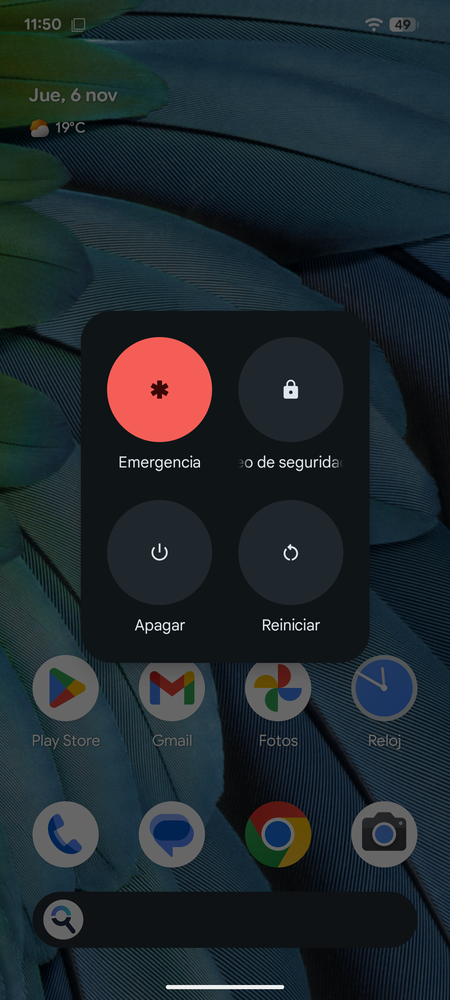
Sometimes, a simple restart can work wonders. This allows all processes to reset, resuming normal operation. If an unusual issue is affecting the Google app, rebooting your phone may resolve it effectively.
Bear in mind that while restarting can alleviate high battery consumption from other apps as well, it does cause a temporary spike in consumption as everything powers back on.
Force Stop or Clear Cache
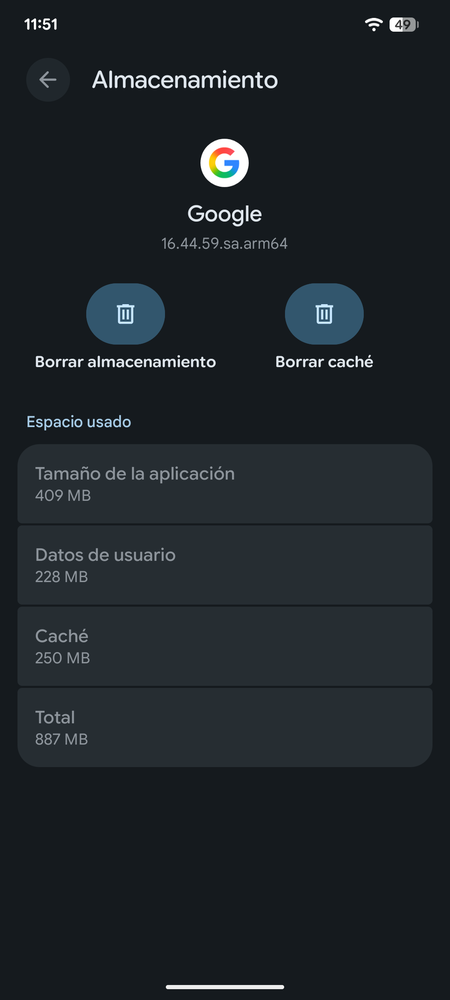
If a restart feels too extreme, you can simply restart the Google app without affecting your entire phone. To do this, force the app to stop. Then open it again or choose not to use it for a while. Another effective method is to clear the cache, which optimizes performance as if you’ve just installed it.
To clear the cache, navigate to your Android settings, click on Applications, find Google, and go to Storage and cache. From there, you can clear the cache or all storage data.
By following these steps, you’ll not only enhance your battery efficiency but also improve your overall user experience with the Google app on your Android device.