
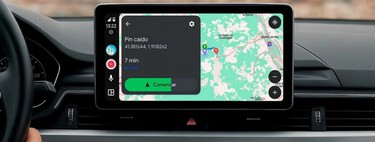
Let’s tell you the News of Android Auto 14.7. The new version of Android Auto that Google has started is now released for all users. It is the operating system integrated into Android mobiles, but when connecting them to your car, it is executed directly on its screen.
While we know that this system does not typically introduce significant visible updates from version to version, this new release marks a notable change . However, within its code, there are advances that hint at future functionalities that are currently being developed.
News of Android Auto 14.7
This version of Android Auto does not bring major improvements; instead, Google has focused on fixing errors and enhancing stability . Additionally, the number of compatible vehicles has been expanded.
The code update hints at a future change known as ‘Clear Mode’ . This option will be available in the application settings on your mobile device. Within that menu, users will find a setting to toggle between ‘Day’ mode and ‘Night’ mode, resulting in a shift from the traditional dark gray to a more cream-colored interface.
However, it’s important to note that this is an option not yet available for activation . Changes in the code suggest that development is ongoing, so we may see it in future updates.
Why are there often so few visible changes, and when they do exist, are they usually so minor? The reason lies in the fundamental nature of Android Auto. As an operating system designed for vehicles, any error in the app can have critical consequences . This is why updates to Android Auto are implemented carefully and gradually, as a single failure can pose significant risks.
Update Android Auto 14.7
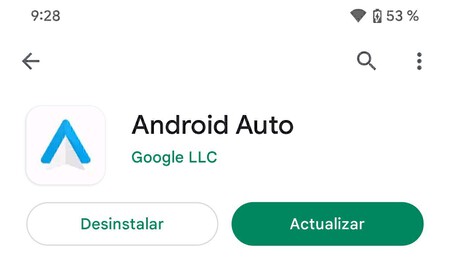
We are discussing the stable version of Android 14.7, which allows anyone to update easily . This can be done directly through Google Play by searching for updates for the apps installed on your mobile device, including Android Auto.
If you prefer, you can also download the update manually by downloading its APK from APKMirror. You just need to select the architecture of your mobile (ARM or ARM64) and download the latest version available. If your device is modern, it will almost certainly be ARM64. Once downloaded, simply install the APK file on your Android device.
For those looking for further assistance, check out Xataka Basics | Delete cache on Android Auto: how it is done and what exactly this trick is for solving problems.