
Exploring the Capabilities of Google’s Veo 3 with Gemini
In the realm of AI-driven video generation, Google’s Veo 3 has emerged as a revolutionary tool. Unveiled at the recent Google I/O 2025, this advanced iteration builds on the existing Gemini 2.5 framework, offering enhanced features that take video generation to new heights. The keystone of Veo 3 is its ability to create videos not just in stunning visuals but also with sound, making it a significant leap forward in AI technology.
The Unique Features of Veo 3
Veo 3 is particularly noteworthy for its sound generation capability, which allows it to produce videos that include ambient audio, a feature that was largely missing in previous models. This technology enables a more immersive experience, as the output is not just about visuals but also the acoustic environment surrounding it.
Upon gaining partial access to Veo 3 through a Google AI Ultra subscription, I was eager to put it to the test. Participation in the Google I/O event led to this special access, and I was keen to explore what this technology could do.
First Impressions: Promising Results
My inaugural attempt with Veo 3 was an exciting experience. With a simple command, I asked Gemini to generate a video based on the following prompt:
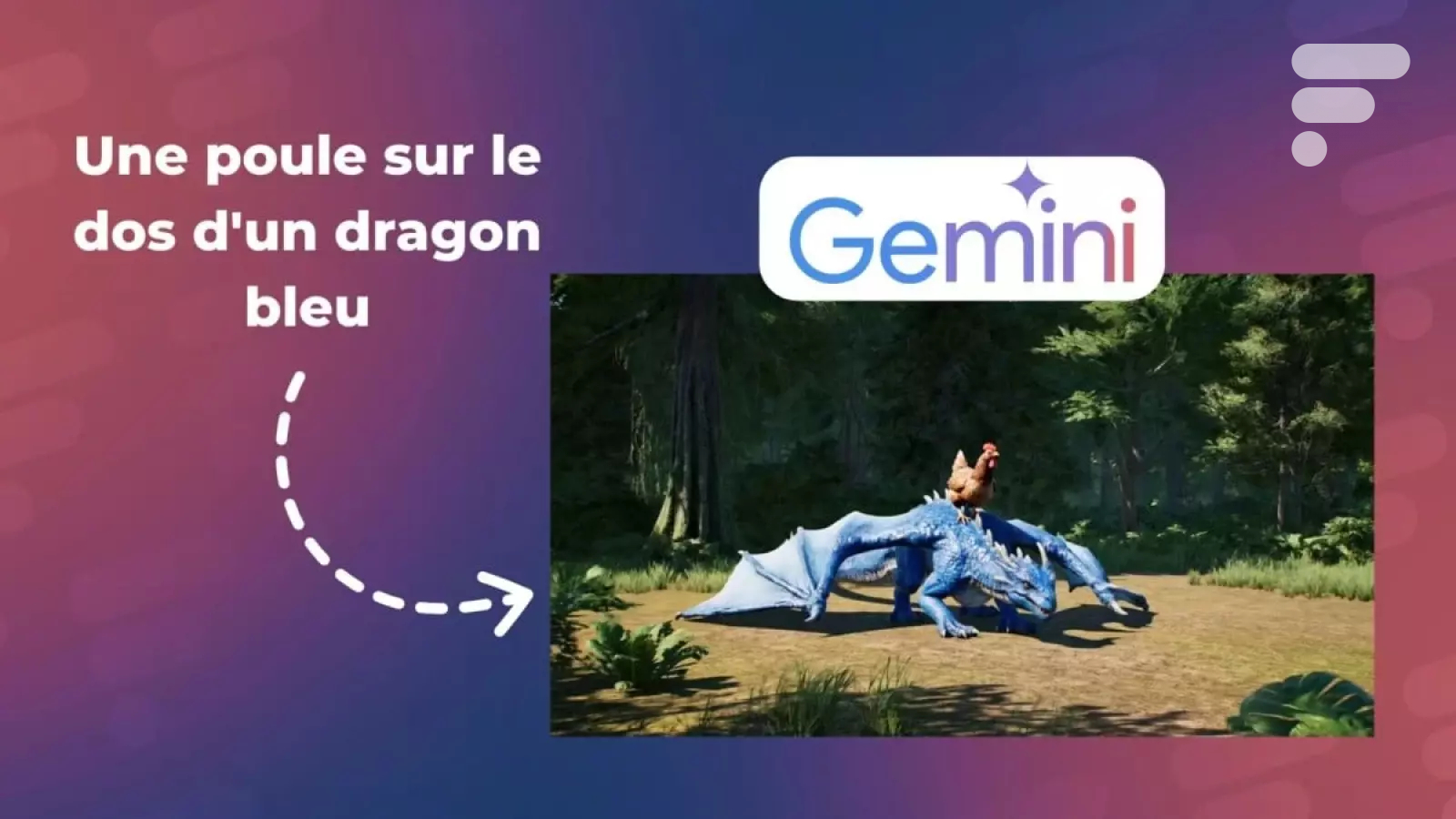
"Generate a video of a chicken riding a blue dragon taking off from a glade."
The resulting eight-second video, rendered in HD (720p), showcased a semblance of what I envisioned. Despite the graphics being somewhat limited, I was pleasantly surprised by the sound effects. The dragon’s wings flapped gracefully, and background noises like birds chirping and a light breeze enhanced the atmosphere.
Video Demonstration
The video can be viewed below:
The richness of sound added a layer to the viewing experience, stimulating both the visual and auditory senses. Enthused by the promising results, I decided to explore further prompts.
Experimentation Challenges: Limited Access
However, as I continued my exploration, I encountered some limitations. Access to Veo 3 is still somewhat constrained, as evidenced by an abundance of error messages during subsequent attempts.
"I couldn’t complete this task because I’m processing many requests. Please try again later."
This limitation highlights some of the technical challenges and logistical constraints that Google is still working through with this emerging technology.
Subsequent Attempts
For a more complex video request, I tried the following prompt:
"A long-haired man runs in a stadium joyfully shouting ‘Android,’ while the crowd cheers him on."
The results, however, were disheartening. It appeared that the video relied on an earlier version of the AI model, Veo 2, lacking any sound and falling short in rendering the stadium scene strikingly.
This discrepancy raised questions about the consistency and reliability of the AI’s outputs. The less-than-ideal visual animation and absence of sound did not align with the expectations set by Veo 3.
Limitations in Video Generation
To add to my challenges, a notification informed me that I was permitted only three videos per day. This cap mirrored the limitations I had experienced with Veo 2, leading me to conserve my final allowance for potential experimentation by fellow colleagues.
Future Prospects
Despite these hurdles, I remain optimistic about Veo 3’s capabilities. My plan is to continue generating videos over the coming days and share my findings. However, I regret lacking access to the Flow platform, which further enhances the potential to use Veo 3 for refined film-making through advanced editing tools.
In conclusion, while Veo 3 has demonstrated significant advancements in video generation through AI, it is still grappling with some limitations in access and consistency. The future holds great promise for this technology, but its current state reflects the growing pains of integrating innovative AI solutions into practical use.
Thanks to limited access to Veo 3, I was able to generate a video using Google Gemini’s powerful new tool.