
Let’s explain how to share your location with your whole family permanently, both on Android and iOS. In this way, your relatives will be able to know at any time where you are, whether you’re on a trip or merely for safety during emergencies.
We will concentrate on permanently sharing your location, a process that requires configuring a family on your mobile device. This way, you can always know the whereabouts of all family members.
Share Your Location with Your Family Using a Google Account
Google simplifies the process of sharing your location, allowing you to do it with any contact or your family configured through Family Link. To set this up, you first need to configure your family on families.google/familylink or use the apps: for Android and for iOS.
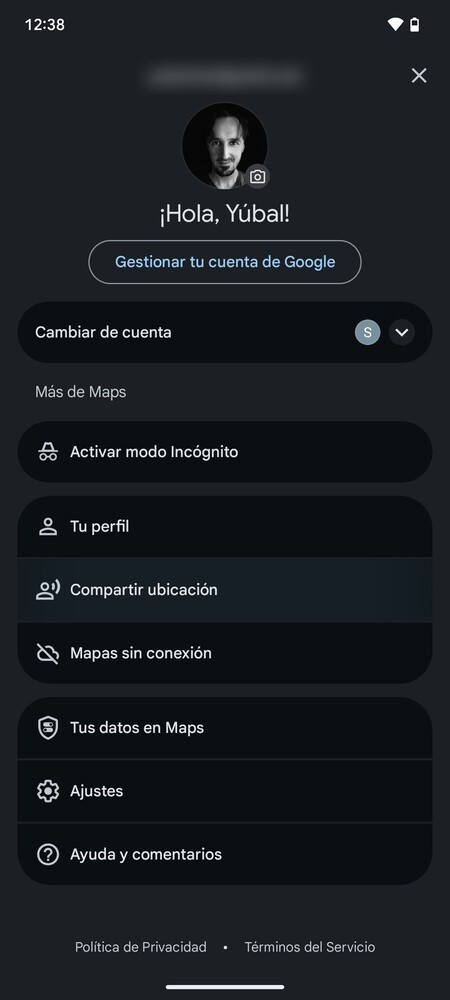
Next, open Google Maps and click on your profile image to access your account options. From there, click on Share location.
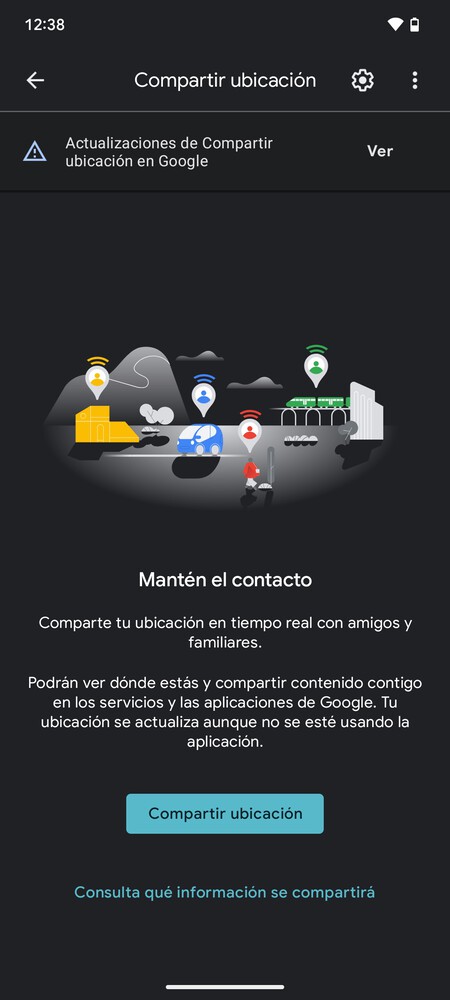
You will need to accept a series of permissions that allow Google Maps to access your location. Once you accept, the next screen will let you choose with whom to share your location.
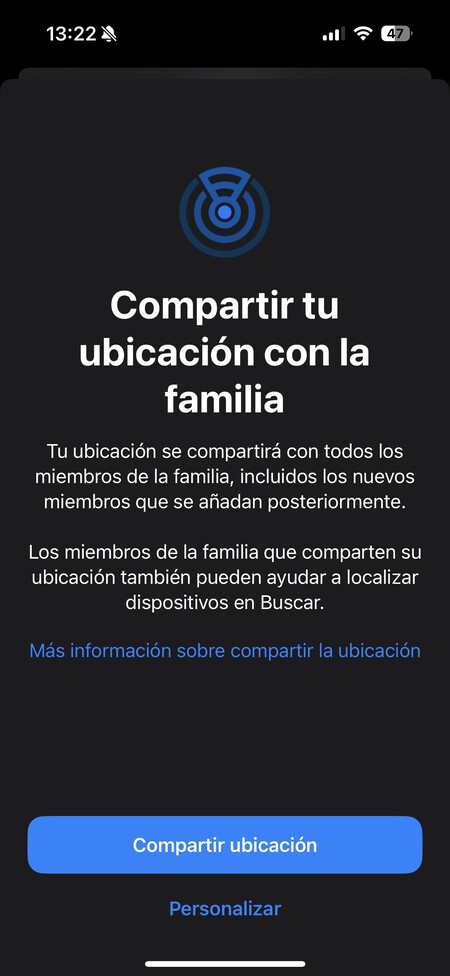
By agreeing to share your location, you will share it with your family and any individual contacts chosen. You can opt to share temporarily or permanently. The selected contacts will receive a notification, empowering them to monitor your whereabouts.
Share Your Location with Your Family Using an Apple Account
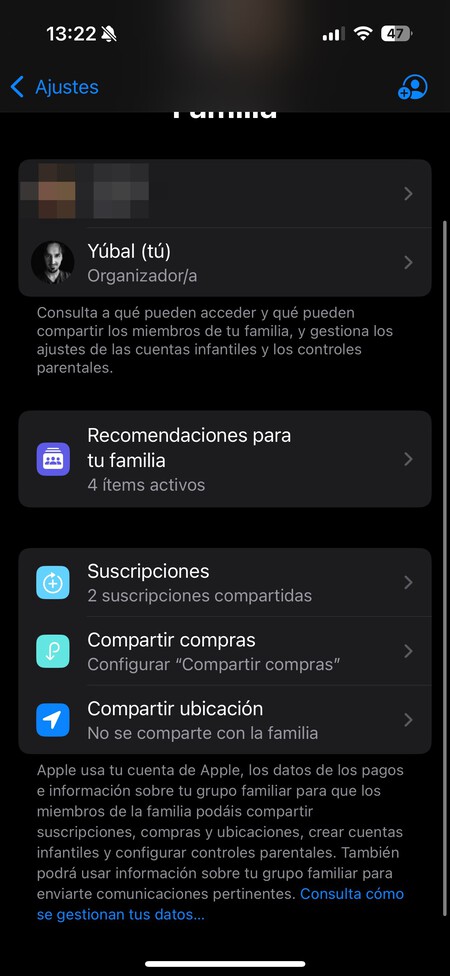
To share your location with your family using an Apple account, you first need to configure your family group using Apple’s Family Sharing feature. Once this is set up, go to your iPhone or iPad settings and click on the section Family.
Within this section, click on Share location. This will allow you to configure your account for sharing your location with the family so they can easily access it via the Find My app.
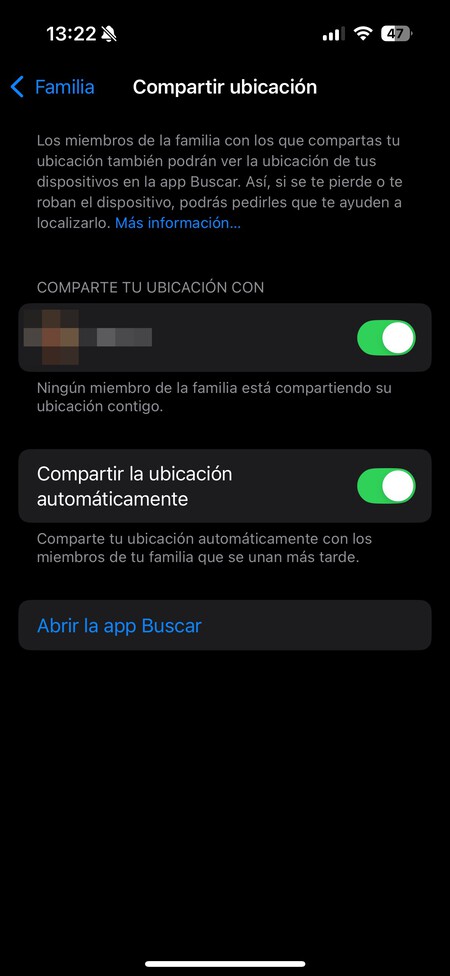
You can now choose which family members to share your location with. You can either select specific individuals or share with all family members. Additionally, you have the option to enable automatic sharing for new family members as they join your group. After this, simply use the Find My app to keep track of each other.
Using Messaging Apps to Share Your Location
Lastly, don’t forget that you can also share your location through messaging applications like WhatsApp. Almost all messaging apps allow you to share your location in real-time, albeit with a temporary setting. This means you can share your location for a specified duration, making it an ideal choice for excursions or brief trips.
However, if the aim is only to share your location for a specific event, this option is faster and simpler, especially when a family account isn’t set up. It may not offer permanent tracking, but it certainly is a quick and efficient solution when needed.
In conclusion, sharing your location with family members is now easier than ever, thanks to modern technology and applications designed for this purpose. Whether you opt for a Google or Apple account, or use messaging apps, you have enough options to choose from based on your needs. Ensure everyone’s safety and keep your loved ones informed about your whereabouts for greater peace of mind.