
What to Do If Someone Hacks Your WhatsApp. Cybercriminals frequently attempt to gain control of various accounts, and WhatsApp is no exception. Whether you’re a public figure or a regular user, it’s essential to be vigilant. Hackers may try to impersonate you, solicit money, disseminate spam, or even steal other accounts.
To safeguard your account, activating the two-step verification feature is crucial. This requires an additional PIN whenever you log in. Never share the SMS codes you receive for account access, even if someone you know claims they sent them to you by mistake. This technique is commonly exploited by hackers.
Attackers can log into WhatsApp from devices that don’t necessarily have your SIM card installed or from different phones. There are two primary scenarios depending on the hacker’s method: either they simply logged into your account or they have blocked it using two-step verification. The recovery methods will vary accordingly.
If you’re facing challenges with WhatsApp, we have covered how to recover lost contacts, deactivate your account if your phone is lost, as well as privacy concerns regarding WhatsApp spying on you.
If the Attacker Is Only Logged In
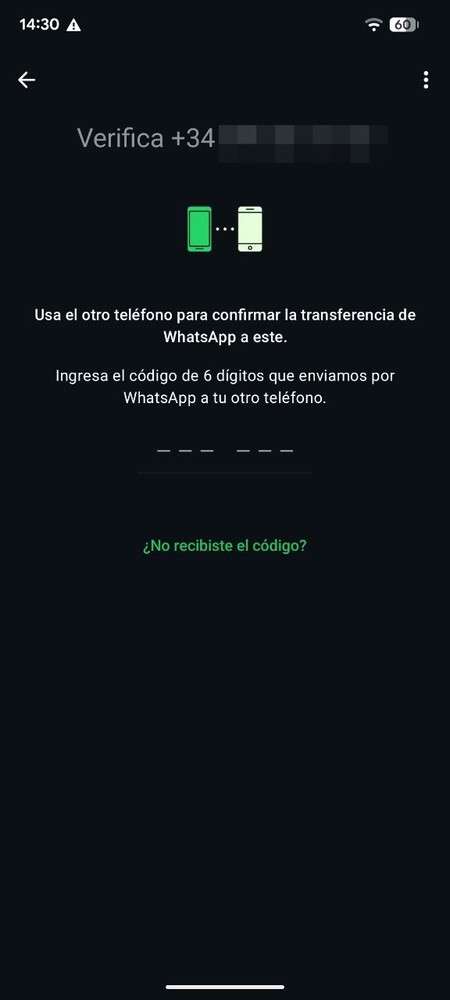
WhatsApp only allows one main device to be connected at a time. If a hacker connects from a different phone, you will be logged out. This should trigger your alarm, and immediate action is vital to prevent them from causing harm.
Log back into WhatsApp using your phone number so you can receive a new code for account recovery. If the hacker just gained access, they may be momentarily blocked from sending codes, which could require you to wait a few seconds or even minutes.
Ask Them to Call You to Give You the Code
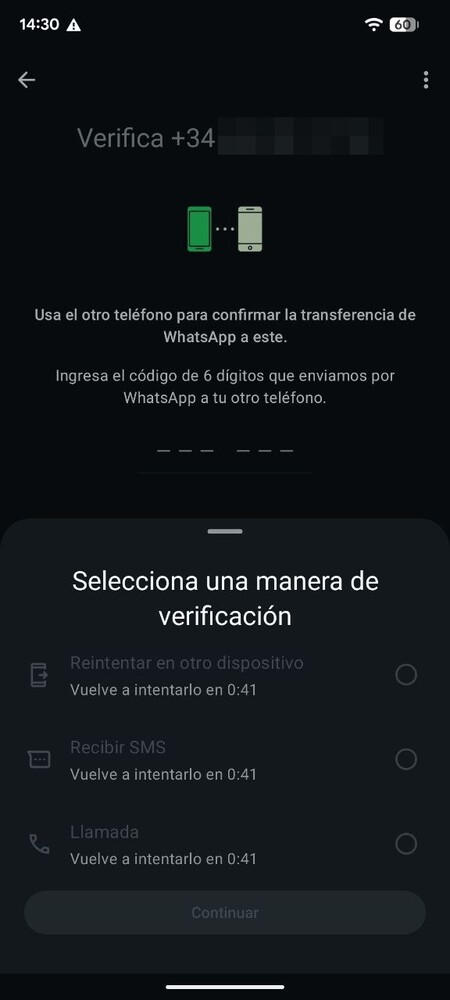
If SMS code requests are temporarily blocked, you can opt to receive a call instead. An automated system will call you and read out the confirmation code. This method might require you to attempt it multiple times if it doesn’t work at first.
Ask WhatsApp to Close All Sessions
If the above options don’t work, you can email WhatsApp at [email protected]. In your message, state something like “Stolen/lost phone: Please deactivate my account” and include your number in international format (for example, +34 for Spain).
Be aware that WhatsApp may take time to respond to your request. They may ask for additional identity verification before proceeding to deactivate the account.
Once your request is processed, all active sessions will be closed, and the hacker will no longer have access. You can then log back into WhatsApp and start the verification process with your number.
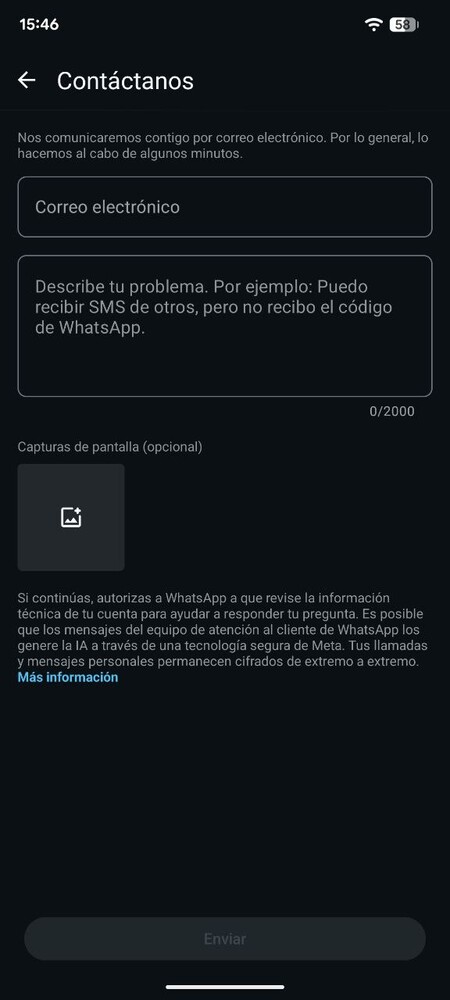
You may also contact WhatsApp support through the app. Click on the three-dot button at the top right, select the help option, and fill out the contact form to specify your issue.
If the Attacker Activates Two-Step Verification
This scenario is often the most challenging. An attacker can log in and set their own two-step verification PIN, which means you won’t be able to recover your account through SMS, even if you have the SIM card.
If you click on *Forgot your PIN? upon logging in, a seven-day waiting period will commence. After this period, you may request an SMS code again to recover your account. However, during these seven days, there is little you can do aside from reaching out to WhatsApp support.