
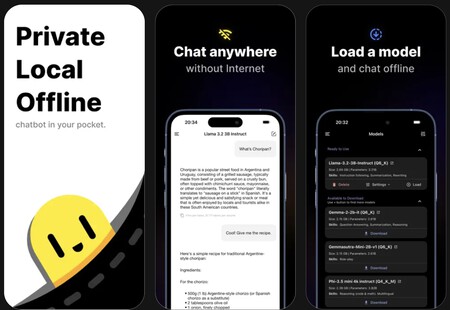
Discover the best programs to install local AI on your mobile device or computer. This way, you can utilize artificial intelligence directly on your device without needing an Internet connection, ensuring your private data remains secure within your mobile phone or PC.
These programs offer the ability to install open-source LLM language models as alternatives to popular services like ChatGPT. You even have the flexibility to choose how distilled you’d like the models to be. However, some desktop applications also allow connections to cloud models, such as ChatGPT and Claude, albeit at the cost of privacy.
The ultimate goal is to have your own private ChatGPT, free from the constraints of online models, enabling you to ask as many questions as you like. While these local models may be less powerful due to storage limitations, they still serve as useful tools for quick inquiries and tasks.
Apps to Have Local AI on Your Mobile
Let’s explore the best applications for installing AI models directly on your mobile. Keep in mind that these models can consume significant storage; therefore, always check your device’s memory.
PocketPal AI
PocketPal AI is an excellent mobile app available for both Android and iOS. It’s open-source and free, focused on ease of use and featuring a wide range of models.
The app integrates directly with Hugging Face, the leading repository for AI models, allowing you to download various models effortlessly without leaving the app.
MNN Chat
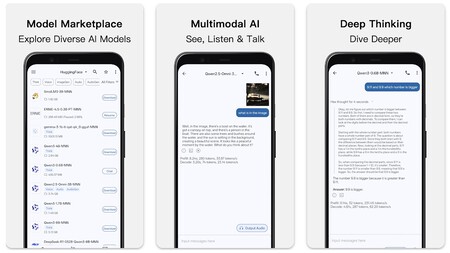
Exclusively for Android, MNN Chat is one of the fastest applications for this platform. Its standout feature is complete multimodal support, enabling prompts with text, images, and audio.
The app comes with an integrated catalog of models, making the downloading and installation process seamless. It is free and open source.
Private LLM
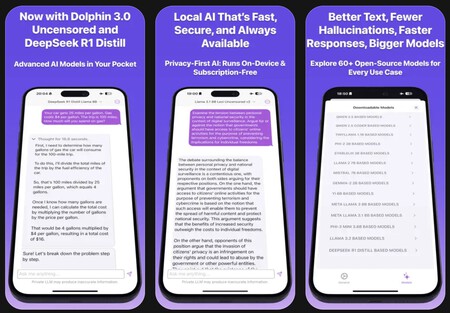
If you’re in search of a premium iOS app, Private LLM is a fantastic option priced at around $5 for a one-time payment. It includes over 60 curated models and employs advanced quantization for enhanced performance.
Compatible with Siri and Apple Shortcuts, this app also works on your Mac or iPad and supports Family Sharing.
Google AI Edge Gallery
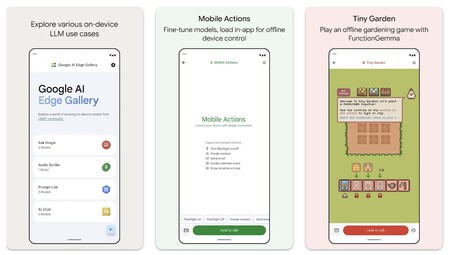
Google AI Edge Gallery is an Android application that allows you to install different AI models on your mobile device for various functions, from image consultation to audio transcription and chat interactions.
This open-source project is still in development, which might mean some bugs are present that will be addressed in future updates.
Apps to Have Local AI on Your Computer
Now, let’s dive into a collection of applications with which you can download AI language models directly onto your computer, applicable for Windows, GNU/Linux, and Mac.
Ollama
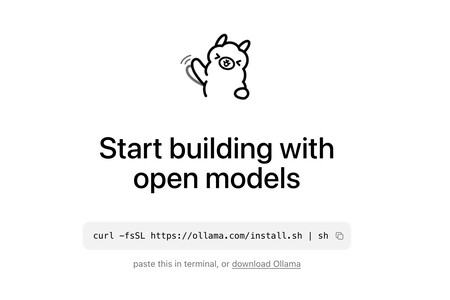
Ollama is among the most popular applications for downloading AI models on your computer. It’s open-source and free, offering a clean interface compatible with Windows, macOS, and GNU/Linux.
The chat interface mimics commercial models, with conversation history and file-sharing support, including PDFs or images. There’s also a search engine for AI models, making it convenient to find the right version for your needs.
Jan
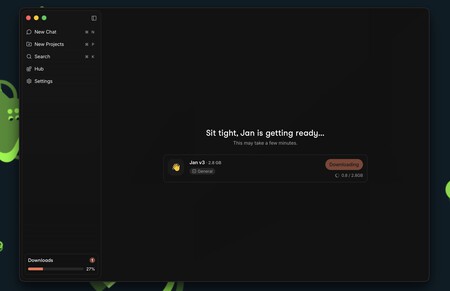
With over five million downloads, Jan offers versatility by allowing users to add open-source models or connect private ones like ChatGPT and Claude. It’s available on Windows, macOS, and GNU/Linux.
Jan also provides integration with several platforms, including Gmail and Google Drive, and is currently developing a memory system for data storage.
LM Studio
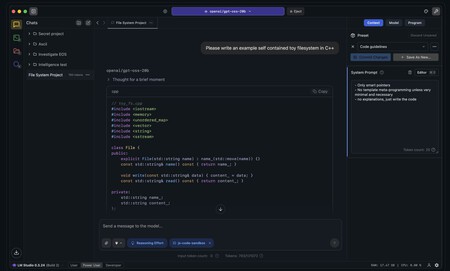
LM Studio is a unified open-source application that allows users to search and download AI models directly within the program. It supports Windows, macOS, and GNU/Linux, allowing for compatibility with OpenAI’s local server.
This tool seamlessly integrates with repositories like Hugging Face, offering various model filtering options.
GPT4All
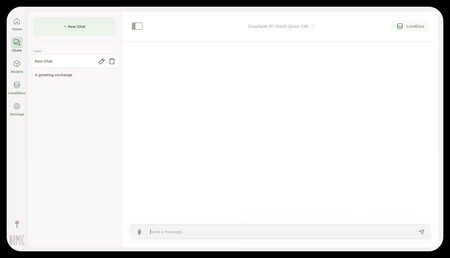
GPT4All is another open-source project aimed at installing LLM models on your computer, compatible with both CPU and GPU. The downside is that while it is primarily free, a payment is required for extended features, though a limited trial is available.
AnythingLLM
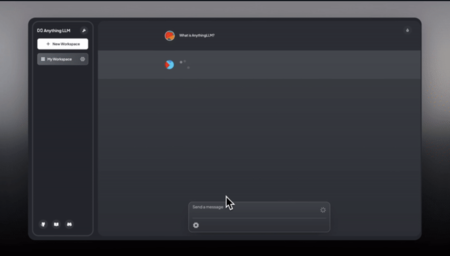
With both mobile and desktop availability, AnythingLLM is open source and enables you to chat with documents, run AI agents, and manage tasks. For underpowered computers, cloud subscriptions are available for use.
Its architecture is designed to prioritize privacy and customization, offering a cohesive experience among its components.
Msty Studio
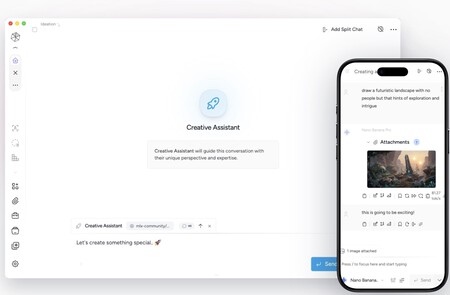
Msty Studio targets advanced users seeking robust functionality. It supports local models through integrated tools, including Ollama and llama.cpp, while also working with commercial AI models through cloud services.
This tool enriches user experience with API connections and knowledge stacks while prioritizing data privacy.
Call.cpp
Finally, Call.cpp is an open-source program built for local use, capable of working with any LLaMa-based model. It can function on both CPU and GPU, making it suitable for home computers, though it may require more technical understanding.